News
Review a resident news submission
Check, edit, approve or reject a news story suggested from the app.
Last reviewed: 14 September 2026
Follow these steps
From the left menu, select News.
Open the resident submissions area.
Select a pending suggestion to read the title, details and any image.
Correct the wording or publishing details if needed.
Approve and publish the item when it is suitable, or reject it if it should not appear.
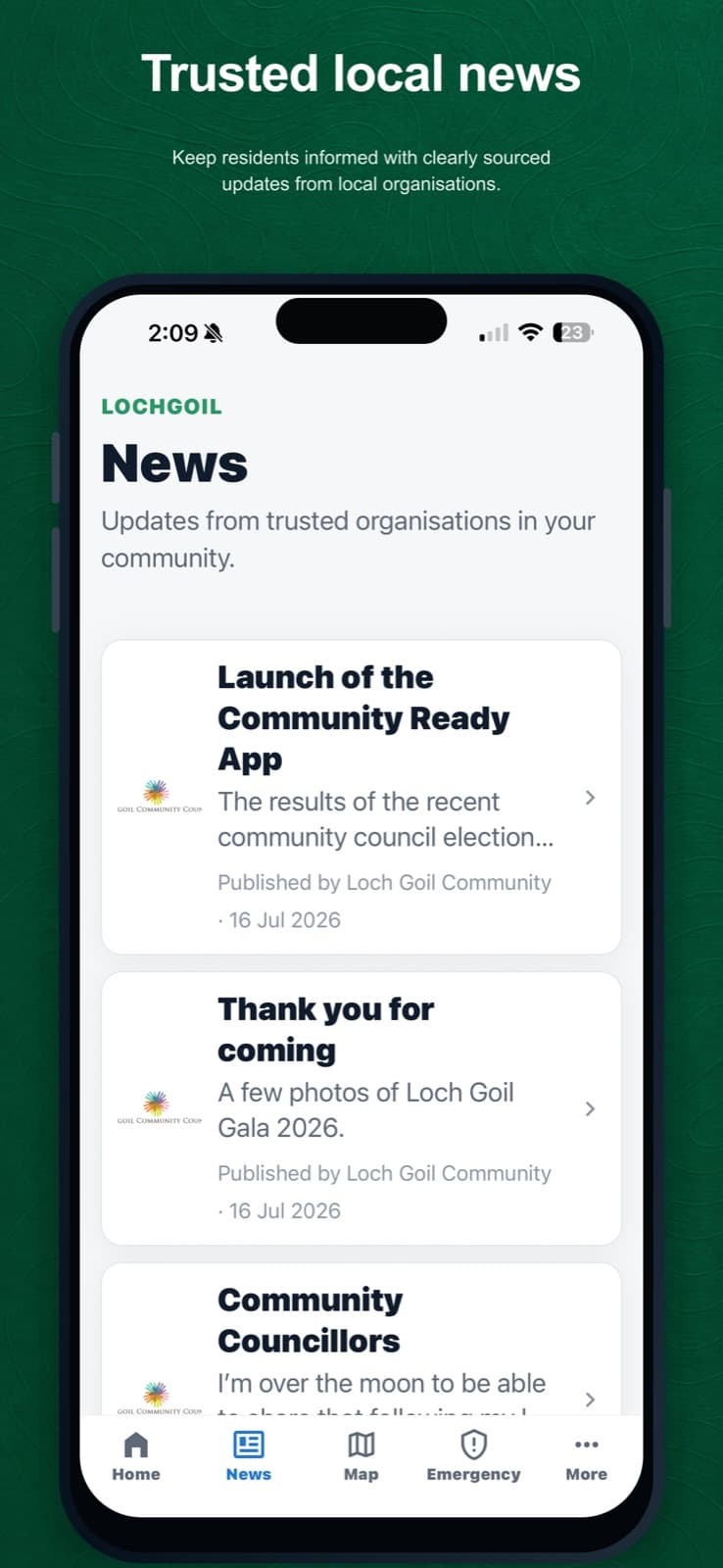
Approved stories appear in the News area with their publishing source. Use permanent delete only when the submission record should be removed.
What happens next
An approved and published story appears in the app and public website. A resident suggestion is never published automatically.
Was this helpful?