Getting Started
Community Ready Admin — Quick Start
A short route through the seven tasks a new Community Admin is most likely to use.
Follow these steps
Open the Admin Portal, enter your email address and request a six-digit login code.
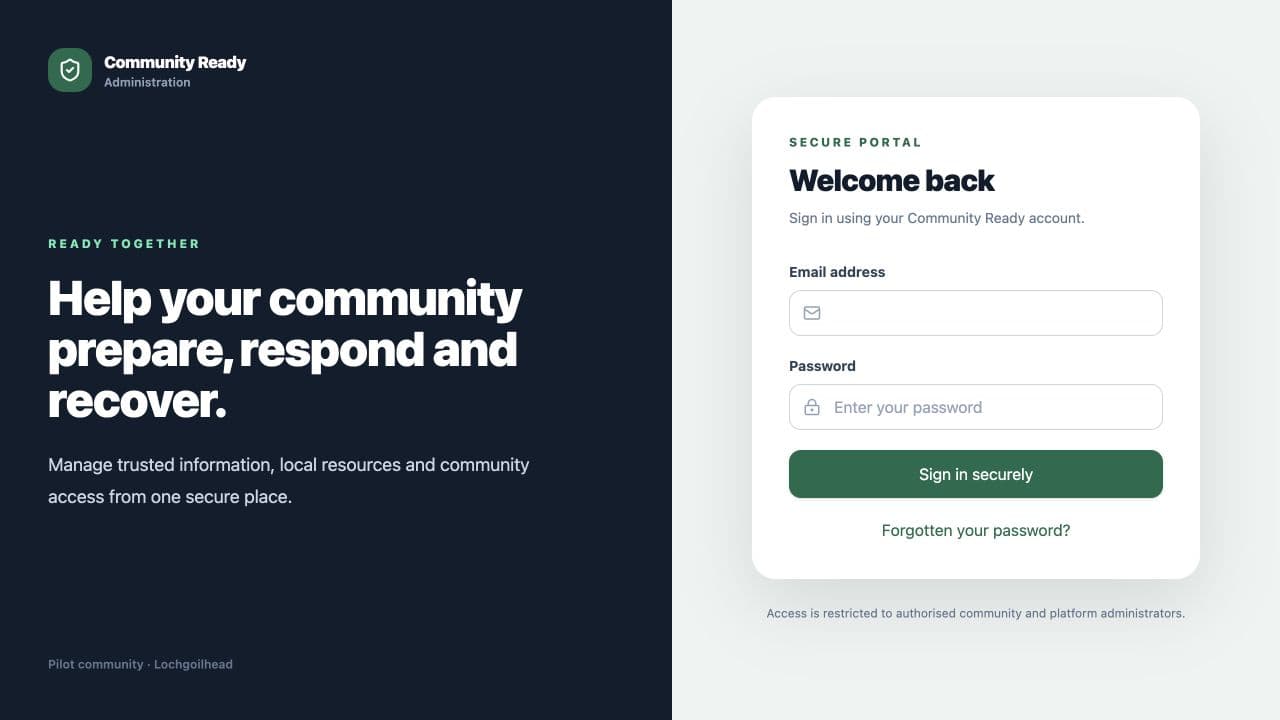
The secure Admin Portal sign-in page. Publish your first update by following Create and publish a news item.
Add an activity by following Create an event.
Share urgent information by following Create an alert. Only a Community Admin can do this.
Check the locally saved guidance by following Create or update an Emergency Plan page.
Add a useful place by following Add a Community Map pin.
Give a colleague access by following Add an Admin or Event Owner.
What happens next
Use the linked detailed guides when you are ready to complete each task. Your menu may contain fewer items if your Community Admin has limited your access.
Was this helpful?