Getting Started
Sign in to the Admin Portal
Use the six-digit code emailed to your Community Ready address to open the Admin Portal.
Last reviewed: 14 September 2026
Follow these steps
Go to the Community Ready website.
Select Portal login in the top menu.
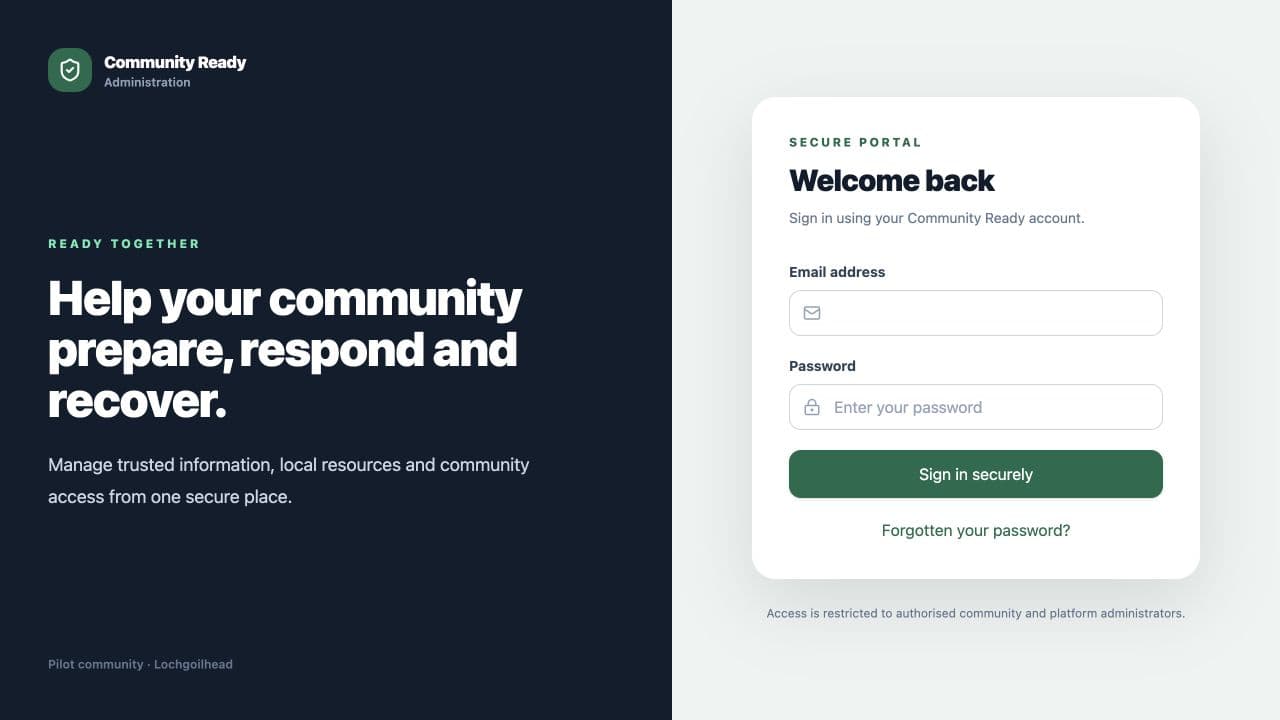
Enter the email address registered by your Community Admin. Enter your email address in Email address.
Select Email my login code.
Open the email from Community Ready and enter its six-digit code.
Select Verify code and sign in.
What happens next
The portal opens on the first area available to your account. The left menu shows the areas you can use.
If something is not right
- Check that the email address is the same one registered for your portal account.
- Check the junk or spam folder if the code email does not arrive.
- Request a new code if the first one has expired.
Was this helpful?