Getting Started
Request a new login code
Request a fresh six-digit email code if the previous code did not arrive or has expired.
Last reviewed: 14 September 2026
Follow these steps
Open the portal sign-in page.
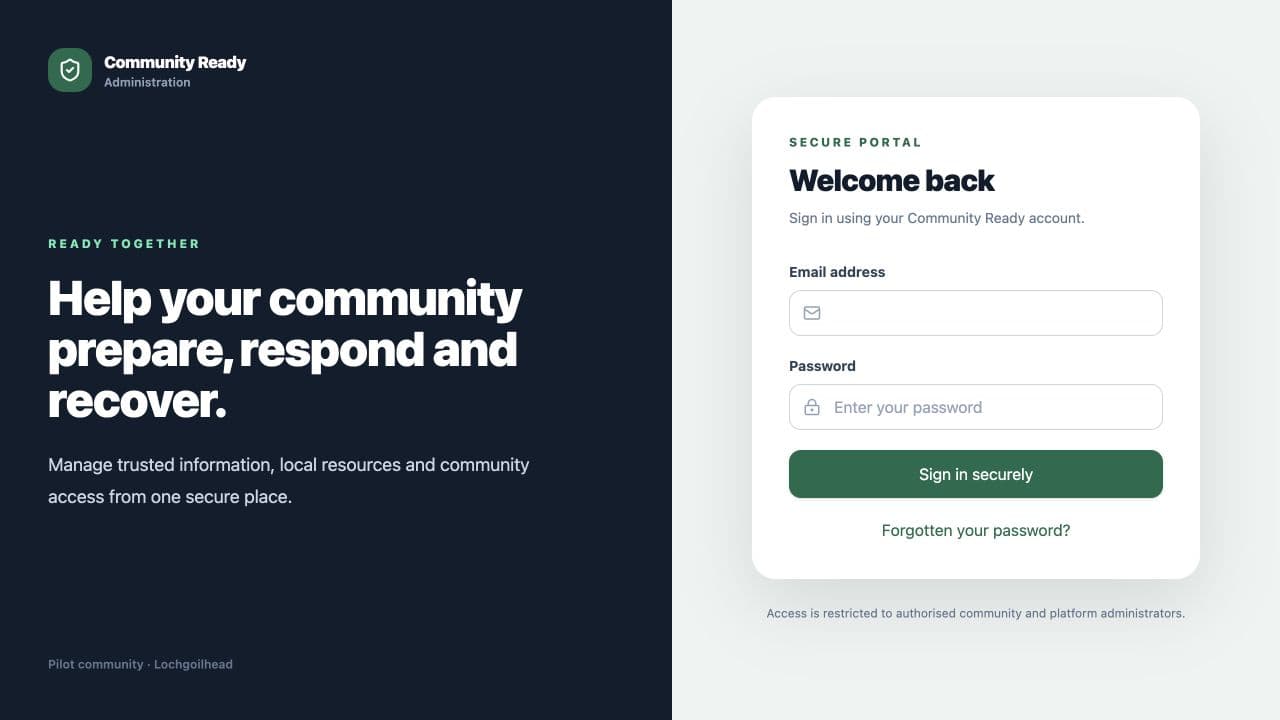
No password is needed for community portal accounts. Enter the email address used for your Community Ready account.
Select Email my login code.
Open the message sent to that email address.
Enter the six-digit code on the sign-in page.
If it has expired, select Send a new code and use only the newest message.
If something is not right
- Codes expire and can be used only once. Request a new one if needed.
- Check the junk or spam folder if the email does not arrive.
Was this helpful?