Events
Set an event to repeat
Publish an activity that repeats weekly, every two weeks or monthly.
Last reviewed: 14 September 2026
Follow these steps
Open a new or existing event. For an existing repeating event, choose Edit series before changing its schedule.
Set the date and time of the first occurrence.
Open Repeat, beside Date and time (underneath it on a small screen).
Choose Weekly, Every 2 weeks or Monthly.
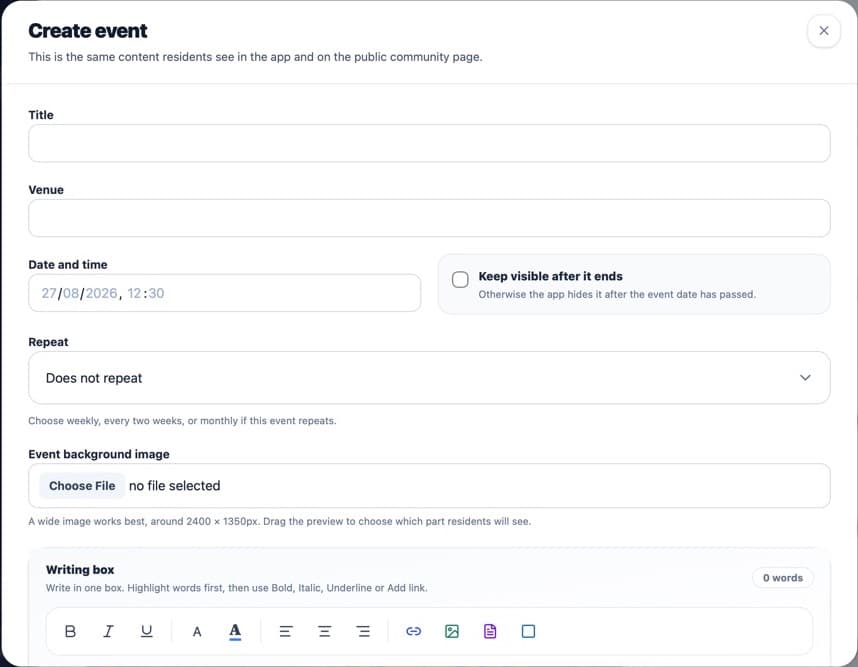
Repeat is beside Date and time; both controls match the text-field height. Check the event preview and save the event.
What happens next
The app calculates future occurrences from the first date. It shows the next relevant occurrences rather than creating separate portal records.
Was this helpful?