Community Map
Set the default Community Map view
Choose the area and zoom level residents see when the map first opens.
Last reviewed: 14 September 2026
Follow these steps
From the left menu, select Map.
Find Default map view.
Drag the map until the community is centred.
Use the plus and minus controls to choose a useful zoom level.
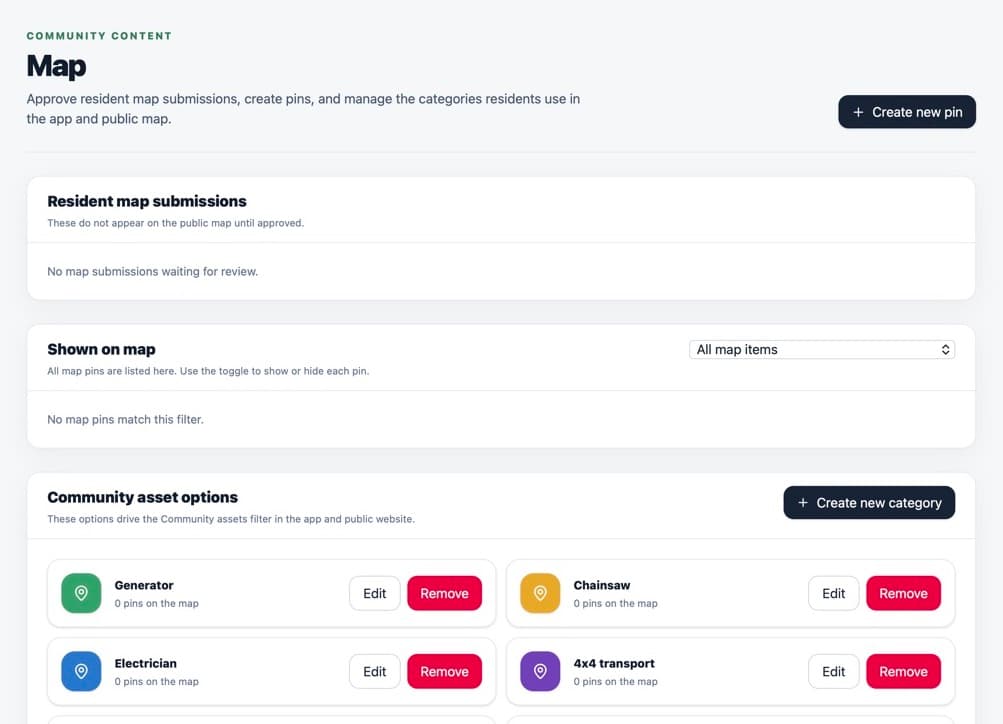
Set a view that helps residents recognise the community when the map opens. Select the save control for the default view.
What happens next
New map sessions open at the saved position and zoom. Residents can still move and zoom the map themselves.
Was this helpful?