Emergency Plan
What works without an internet connection?
Understand which information remains on a resident’s device when the connection is lost.
Last reviewed: 14 September 2026
Follow these steps
Available offline: Community Map information that was previously stored on the device.
Available offline: Emergency Plan information that was previously stored on the device.
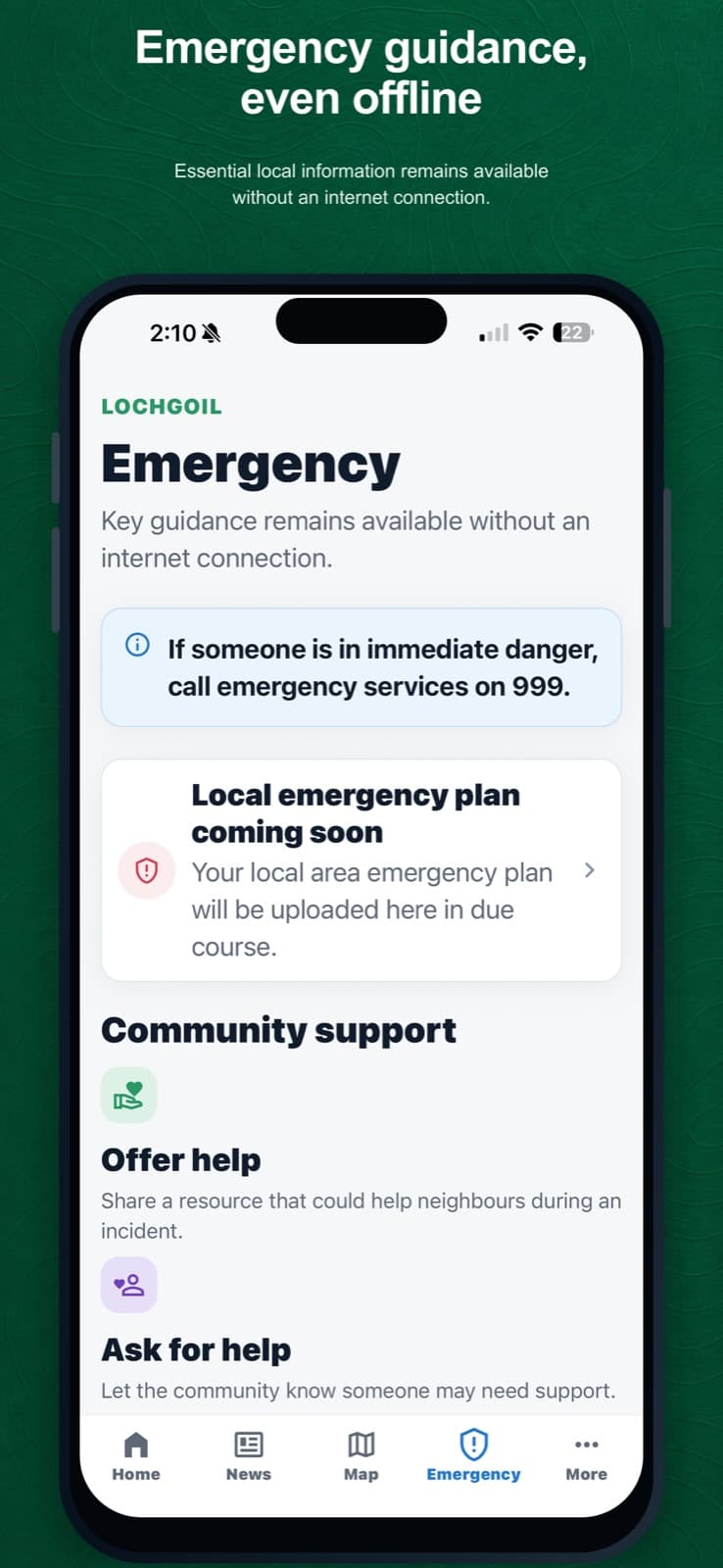
Previously downloaded Emergency Plan content remains available when the device is offline. Requires an internet connection: live Home content, News, Alerts and current Events.
Requires an internet connection: Request Help, Offer Help and other information that must be sent or synchronised.
Open the app while connected after important updates so the latest Map and Emergency Plan information can be stored.
What happens next
Offline content is the most recent version stored on that device. Phone notifications and new alerts cannot arrive without connectivity.
If something is not right
- If expected offline content is missing, reconnect the device, open the relevant Map or Emergency area, then try again.
- Do not rely on the app instead of emergency services. In immediate danger, call 999 when possible.
Was this helpful?